We have three new capabilities in Automations: Read Steps, Conditionals, and Live Automations.
Read Steps
Until now, the purpose of an automation step was solely to make changes to the room: a Move Objects step to move cards, a Roll Dice step, a Shuffle Objects step, etc.
We're introducing a new type of step where, instead of making changes, a step computes a value from the state of the room. This value can then be used by other automation steps.
These Read Steps can get values of objects (cards & pieces) in a holder, values of dice/choosers, or count the number of objects in a holder. Basic automatic scoring is now possible!
Conditionals
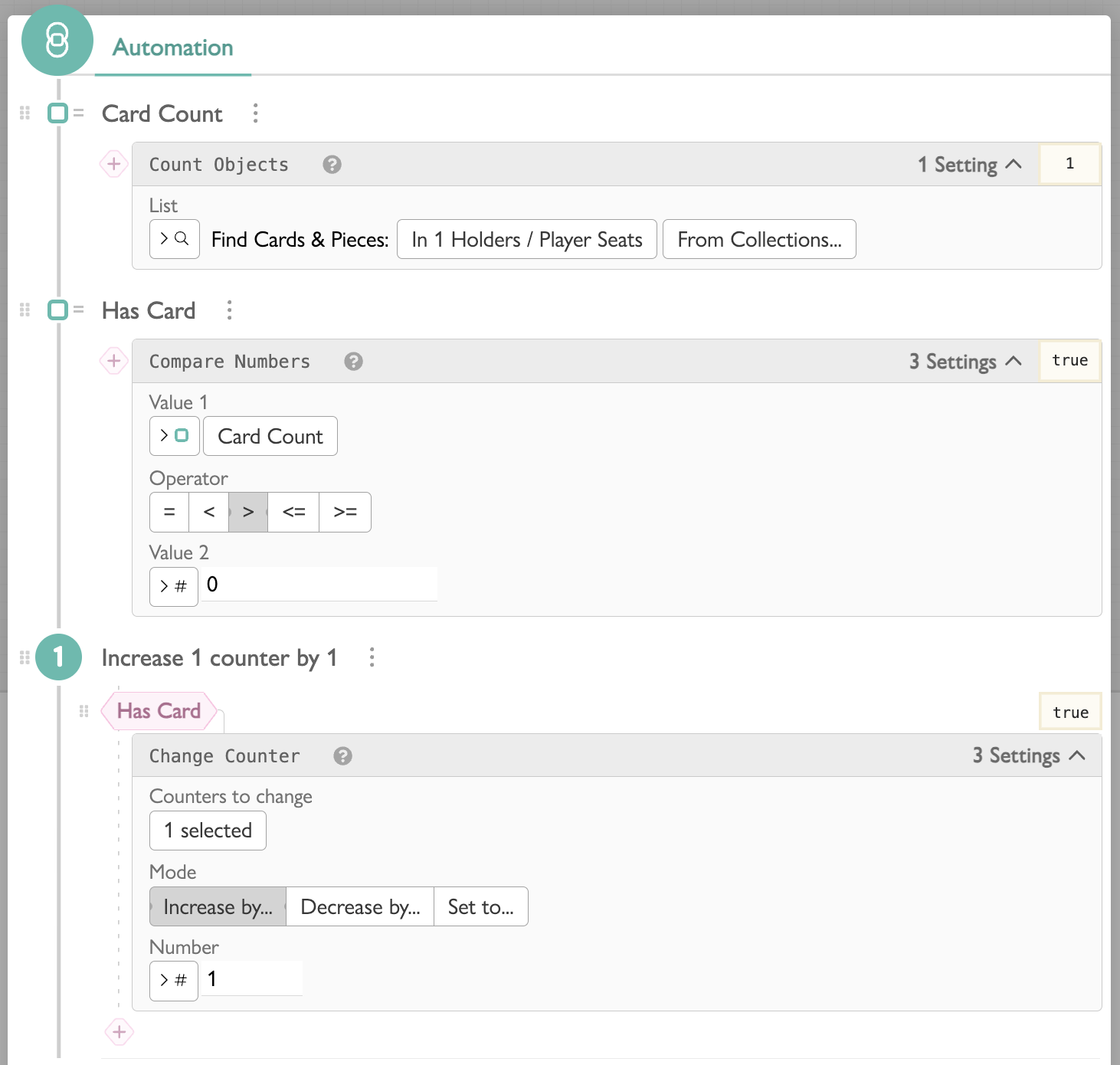
Conditionals allow you to skip a step, based on a boolean (true/false) condition.
We've added two Read Steps that create a boolean value:
- Compare Numbers - check if one number is greater than, less than, or equal to the other number
- Boolean Logic - combine boolean values (and, or, not, etc)
To create a conditional, click the pink diamond-shaped button by a step, then choose the read step with your boolean value to decide if the step is skipped or not.
Live Automations
The Label Text widget has a new trick. Instead of having to click a button every time to run an automation, a Live Automation runs continuously. When anything in the room changes, the automation updates to the latest.
Since the sole purpose of a Live Automation is to compute the latest value, only Read Steps will be available when editing.
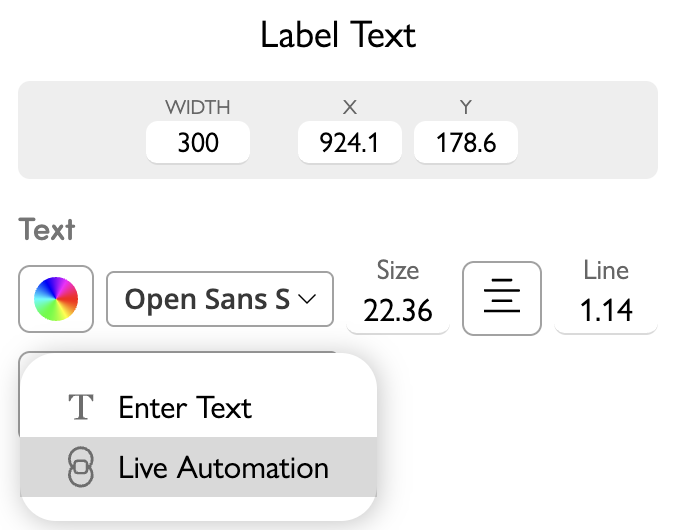
Editing a Live Automation:
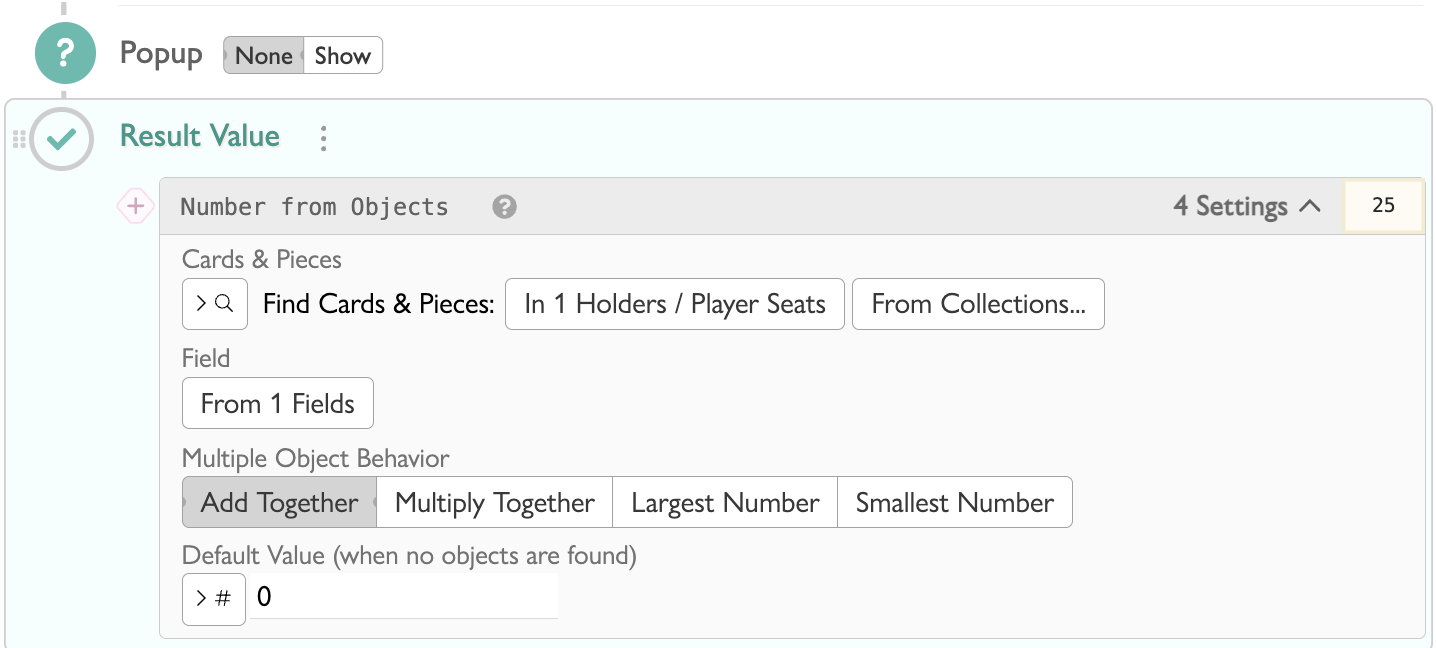
Here's the result:
Give them a try and let us know your feedback! rob@playingcards.io